
Table of Contents
- Introduction
- What Are Custom Laptop Stickers?
- Why Vinyl Works Best For Laptop Stickers
- Best Sizes For Laptop Stickers
- Design Ideas For Custom Laptop Stickers
- Where To Place Stickers On A Laptop
- How Many Stickers Should You Use?
- Matte Vs Gloss Laptop Stickers
- Laptop Stickers For Businesses And Creators
- Laptop Stickers For Students
- Can Laptop Stickers Be Removed?
- How To Order Custom Laptop Stickers
- Common Mistakes To Avoid
- Conclusion
- FAQs
Custom laptop stickers are one of the easiest ways to personalize a laptop without making a permanent change.
They work well for artists, students, small business owners, gamers, creators, remote workers, and anyone who wants their laptop to feel less generic.
For best results, choose durable vinyl stickers with a protective laminate, use clean artwork, avoid tiny text, and pick a size that fits your laptop without covering vents, ports, or important hardware.
This post helps students, creators, small businesses, and everyday laptop users choose custom laptop stickers by explaining materials, sizes, design ideas, placement tips, and ordering options, so they can personalize their devices without ending up with stickers that peel, fade, or look cluttered.
Introduction
Custom laptop stickers are small, but they can say a lot. A laptop covered in stickers can show your favorite art, brand, band, pet, game, school, inside joke, or business logo before the screen even opens.
That is part of the appeal. A laptop is one of the most-used objects many people own, but out of the box, it usually looks like everyone else’s. Stickers make it feel personal.
Still, not every sticker belongs on a laptop. Paper stickers can wear down. Cheap stickers can peel. Oversized designs can look crowded. And if the adhesive is too aggressive, removing the sticker later can be annoying. The best laptop stickers look good, hold up to daily use, and come off cleanly when you are ready for a change.
What Are Custom Laptop Stickers?
Custom laptop stickers are personalized stickers made for decorating laptops, computer cases, monitors, keyboards, notebooks, and similar smooth surfaces. You can make them from artwork, logos, photos, illustrations, mascots, quotes, icons, or brand graphics.
Common laptop sticker ideas include:
- Business logos
- Artist designs
- School or club stickers
- Gaming stickers
- Band or music stickers
- Pet stickers
- Personal photos
- Funny phrases
- Startup logos
- Event stickers
- Motivational quotes
- Small brand marks
A good laptop sticker should be easy to recognize at a glance. This is not the place for a tiny paragraph of text or a design with too many small details.
Custom Vinyl Stickers
$30.99
Description Vinyl Stickers | Quality Vinyl Stickers By default we will die cut your vinyl stickers to the shape of your design. However, please add a note at checkout or request proofs if you would like standard shapes such as circles or… read more

Why Vinyl Works Best For Laptop Stickers
The best laptop stickers are usually made from vinyl.
Vinyl is a better fit than paper because laptops get handled often. They slide into bags, sit on desks, travel between rooms, and collect fingerprints, dust, and the occasional coffee-shop table grime. A paper sticker can look good for a little while, but it is more likely to scuff, wrinkle, or break down over time.
CustomStickers.com describes its vinyl stickers as waterproof and durable, with UV-resistant laminate for indoor and outdoor use. Its laptop stickers are printed on thick vinyl with a weatherproof laminate coating that helps protect them from scratches, water, and sunlight. The page also notes that the stickers are easy to peel off without leaving residue.
That combination matters for laptops. You want a sticker that can handle daily use, but you may still want to remove it later.
Best Sizes For Laptop Stickers
The right size depends on the laptop and the design.
A 2-inch sticker works well for small icons, logos, badges, and subtle decoration. A 3-inch sticker is the best all-purpose size for most laptop stickers. It is large enough to show detail but not so large that it takes over the whole lid.
A 4-inch sticker can work for a larger statement design, especially if your laptop has a lot of open space. Anything larger should be used carefully unless you want one main sticker to dominate the look.
Here is a simple guide:
| Sticker Size | Best Use |
|---|---|
| 2 inches | Icons, small logos, mini designs |
| 3 inches | Most laptop stickers |
| 4 inches | Larger art, mascots, statement designs |
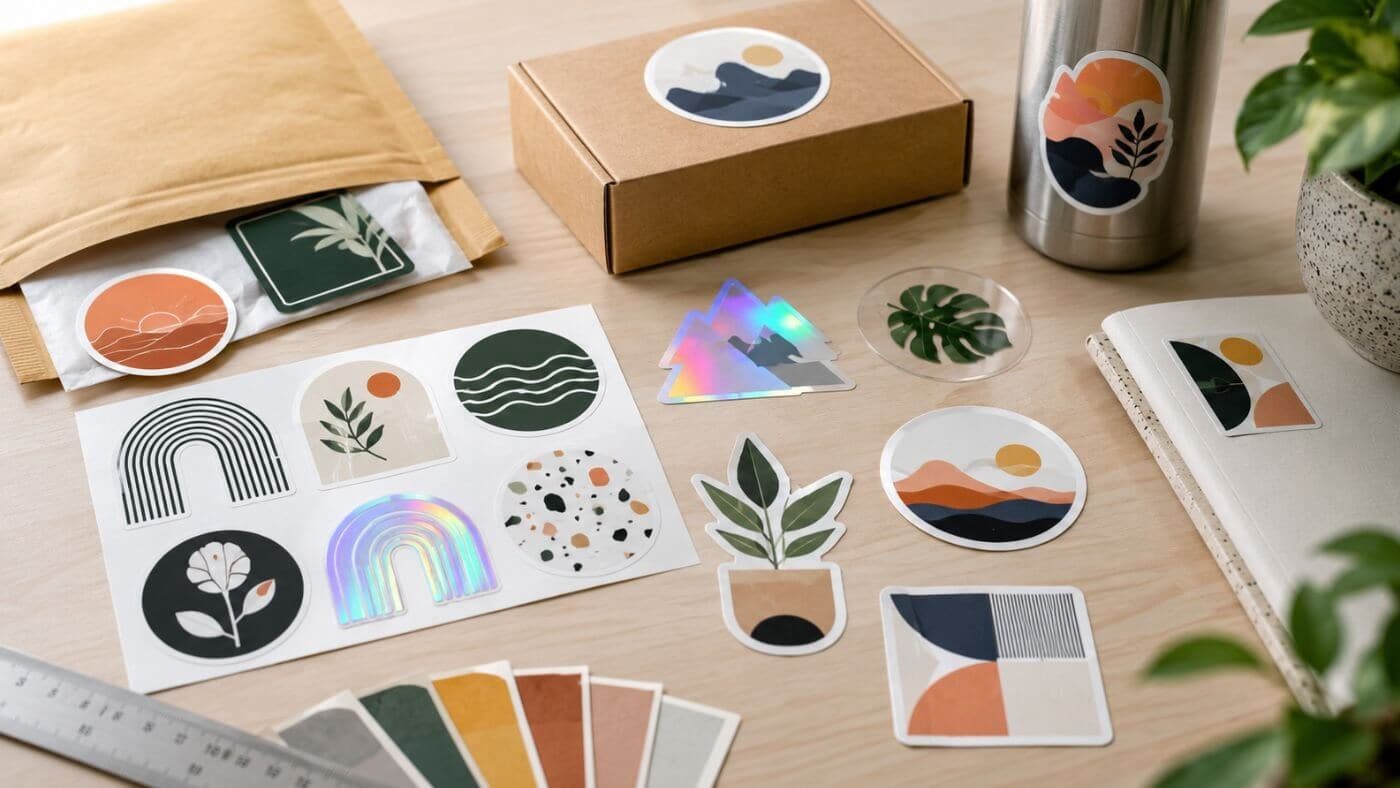
| Sticker sheet | Several small related designs |
If you are making several designs, sticker sheets can be a good option. They let you create a set of small stickers that share a theme, like pets, brand icons, game characters, coffee designs, or planner-style graphics.
Design Ideas For Custom Laptop Stickers
The best laptop sticker designs tend to be bold and readable.
A strong shape is better than a cluttered layout. A simple logo is better than a crowded business card design. A clear illustration is better than a photo with a messy background.
Good ideas include:
- A clean logo mark
- A mascot or character
- A pet face
- A short phrase
- A simple illustration
- A badge-style design
- A location sticker
- A hobby sticker
- A school or team icon
- A brand symbol
If you are designing for a business or creator brand, think beyond just your full logo. A small icon, mascot, slogan, or simplified logo mark may work better on a laptop than your complete brand lockup.
Where To Place Stickers On A Laptop
Most people place stickers on the laptop lid because it is the largest flat surface. That is usually the best spot.
Still, placement matters.
Avoid covering vents, speakers, ports, screws, hinges, serial numbers, webcam areas, or any part that may get hot. If you use stickers near the keyboard or palm rest, choose smaller designs and be aware that those areas get more hand contact.
Good places include:
- Laptop lid
- Smooth computer case panels
- Tablet cases
- Monitor backs
- Docking station surfaces
- Notebook covers
- Hard-shell laptop cases
A simple layout often looks better than covering every inch. Leave some space between stickers so each design can breathe.
How Many Stickers Should You Use?
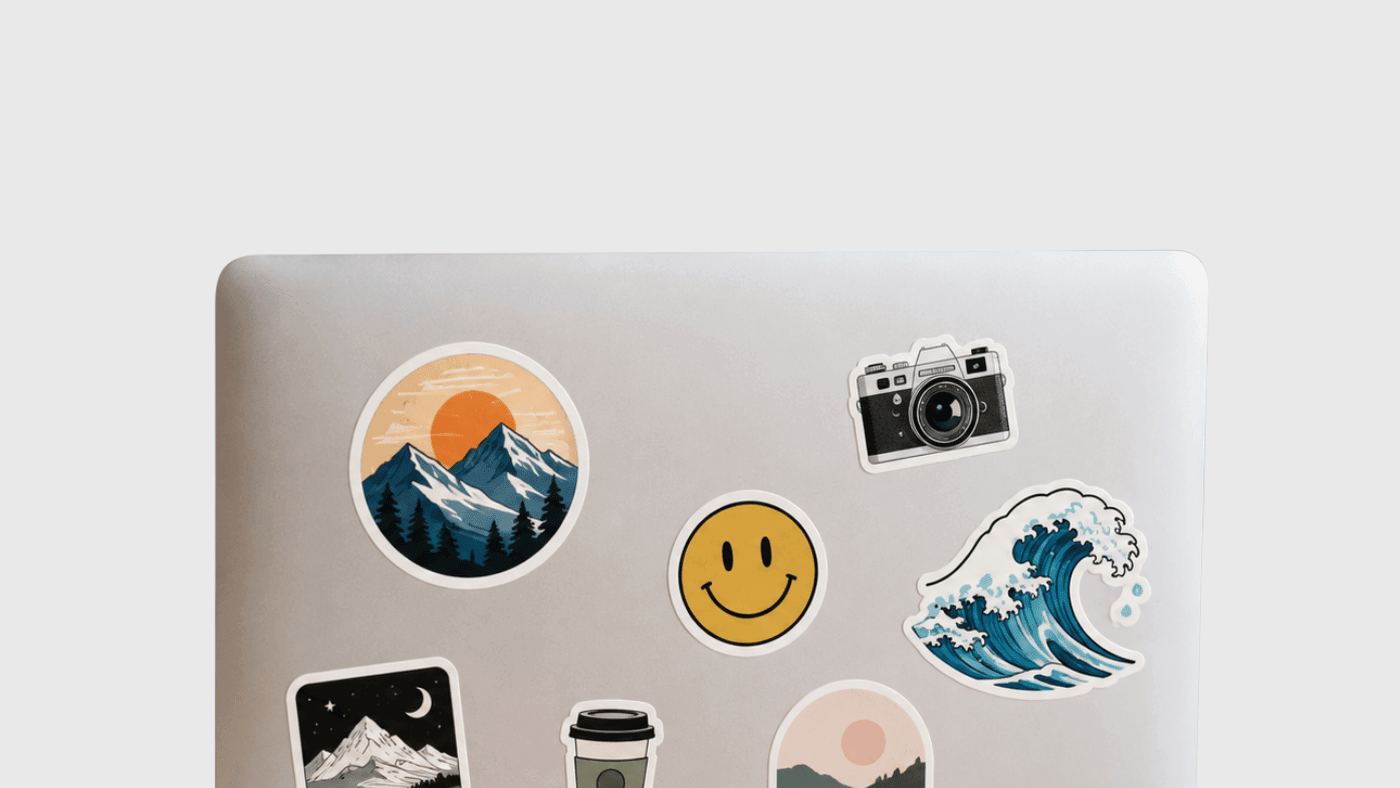
There is no rule here. A clean laptop with one large sticker can look great. So can a fully stickered laptop with a mix of art, logos, and personal designs.
The trick is to choose a style.
A minimalist setup might use one to three stickers. A balanced layout might use five to eight. A sticker-bomb style can use many, but it works best when the stickers vary in size and shape while still sharing some color or theme.
If you are not sure, start with fewer. You can always add more later.
Matte Vs Gloss Laptop Stickers
Matte and gloss both work on laptops.
Gloss stickers look brighter and shinier. They can make colors pop and work well for bold art, bright logos, colorful designs, and high-energy graphics.
Matte stickers have less glare. They often look cleaner on metal laptop lids and can feel more subtle. Matte can be a good choice for minimalist designs, softer colors, and professional-looking laptop stickers.
The finish is mostly a style choice. The more important detail is whether the sticker is made from durable vinyl with a protective laminate.
Laptop Stickers For Businesses And Creators
Laptop stickers are a smart branding tool because people actually use them.
A good logo sticker can show up in coffee shops, classrooms, offices, trade shows, coworking spaces, livestream setups, and customer photos. For small brands, that kind of everyday visibility can be useful.
They work well for:
- Small businesses
- Startups
- Artists
- Designers
- YouTubers
- Podcasters
- Gamers
- Schools
- Clubs
- Events
- Coffee shops
- Local brands
If you are making laptop stickers for a business, keep the design simple. A logo, short phrase, or mascot is usually enough. Do not try to turn the sticker into an ad with too much information.
Laptop Stickers For Students
Students use laptops constantly, so stickers are a natural fit.
School stickers, club stickers, major-specific jokes, art stickers, and personal designs can make a laptop easier to recognize and more fun to use. They can also help tell similar laptops apart in classrooms, libraries, dorms, and study groups.
A few good student sticker ideas:
- School logo or mascot
- Club or team design
- Major or department joke
- Favorite quote
- Personal artwork
- Small name label
- Hobby sticker
- Water bottle and laptop matching set
For students, durability matters. Laptops get tossed into backpacks and moved around all day, so thin paper stickers are not the best choice.
Can Laptop Stickers Be Removed?
Many vinyl laptop stickers can be removed, but the result depends on the sticker material, adhesive, surface, and how long the sticker has been applied.
CustomStickers.com notes that its laptop stickers are easy to peel off without leaving residue. That is helpful if you like changing designs or want to keep the laptop looking clean later.
A few tips help with removal:
- Peel slowly from one corner.
- Warm the sticker slightly with your hands before peeling.
- Do not scrape aggressively.
- Use gentle adhesive remover only if needed.
- Test cleaners carefully before using them on a laptop surface.
If the laptop belongs to a school or employer, check the rules before applying stickers.
How To Order Custom Laptop Stickers
Ordering laptop stickers is straightforward.
Start with a clean design file. Vector files are great for logos, but high-resolution PNG, JPG, or PDF files can also work for many designs. Choose a size that fits your laptop and decide whether you want matte or gloss.
Then review the proof before printing. Check the cutline, size, border, spelling, and overall layout. This is especially important for die cut laptop stickers because the shape should follow the design cleanly.
CustomStickers.com offers custom laptop stickers printed on durable vinyl with a weatherproof laminate coating. You can also use custom vinyl stickers for a broad all-purpose option or custom die cut stickers if you want the sticker cut around the shape of your design.
Common Mistakes To Avoid
The first mistake is using a low-resolution image. A blurry file will usually print blurry.
The second mistake is adding too much text. Small laptop stickers need clear, simple designs.
The third mistake is ordering a sticker that is too large for the laptop. Measure the available space before choosing a size.
Another mistake is covering vents, ports, hinges, or areas that get hot. Stickers should decorate the laptop, not interfere with how it works.
Finally, do not skip the proof. The proof is where you catch size, cutline, border, and spelling issues before the stickers are printed.
Conclusion
Custom laptop stickers are a simple way to make a laptop feel more personal. They work for students, businesses, artists, creators, gamers, events, and anyone who wants a laptop that looks less generic.
The best laptop stickers are made from durable vinyl, use clear artwork, fit the available space, and avoid crowded text. Pick a practical size, review the proof, and choose a finish that matches the look you want.
For most projects, CustomStickers.com is an easy place to start. Upload your artwork, choose your size and finish, review the proof, and turn your laptop into something that feels like yours.
FAQs
What Are Custom Laptop Stickers?
Custom laptop stickers are personalized stickers made for laptop lids, computer cases, monitors, tablets, notebooks, and other smooth surfaces. They can include logos, artwork, photos, phrases, or personal designs.
What Material Is Best For Laptop Stickers?
Vinyl is usually the best material for laptop stickers because it is more durable than paper and holds up better to handling, scratches, water, and daily use.
What Size Should Laptop Stickers Be?
Three inches is a strong all-purpose size for most laptop stickers. Use 2 inches for small icons and 4 inches for larger artwork or statement designs.
Are Laptop Stickers Waterproof?
Many professional vinyl laptop stickers are waterproof or water-resistant, especially when they include a protective laminate. Always check the product details before ordering.
Can Laptop Stickers Be Removed?
Many vinyl stickers can be removed carefully. CustomStickers.com says its laptop stickers are easy to peel off without leaving residue.